
Trailing Manager — Universal Trailing Stop & Break-Even
Add break-even and a trailing stop to strategies that don't have one.
Trailing Manager is a utility that does not trade. It manages the stop-loss of positions opened by any EA, signal, or by hand — adding break-even and a trailing stop to strategies without one, and protecting manual trades automatically.
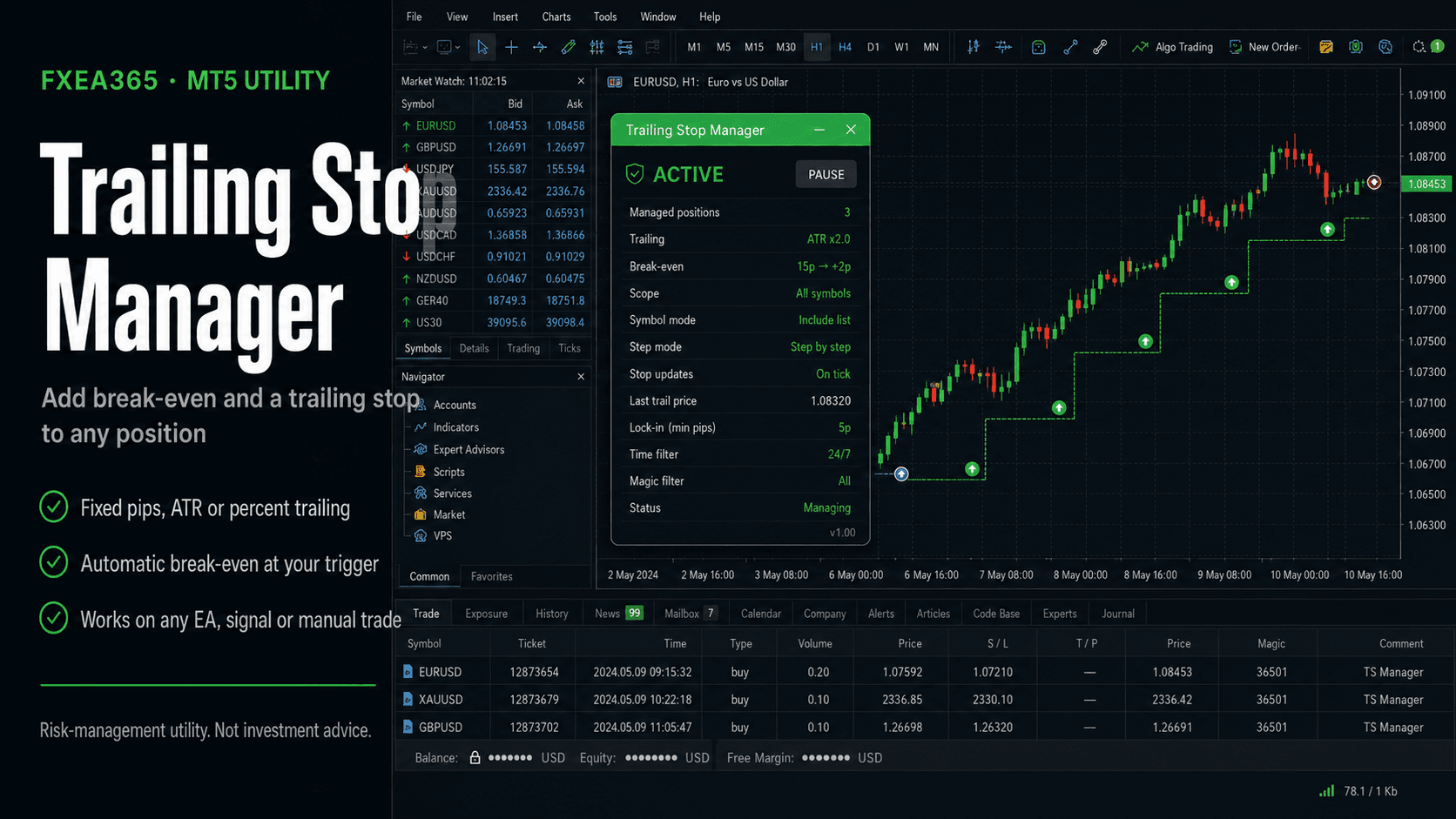
What it does
- ✓Break-even: move stop to entry + locked offset after X pips profit
- ✓Trailing, three methods: fixed pips / ATR x multiplier / percent of price
- ✓Step trailing: only advance the stop when it improves by X pips
- ✓Optionally attach SL/TP to naked positions
- ✓Broker stop-distance aware (skips instead of being rejected)
- ✓Scope all symbols / chart symbol, magic filter for one strategy
Free download (account registration)
Free once you register your broker account at fxea365.com (the EA runs only on the registered account). The MQL5 Market edition below is a no-registration rent/buy option.
STEP 1 Prepare your account
Using the EA requires an MT5 account opened through our referral link. If you already have an account, please create an additional account.
No account yet — open a new account via the links below
Adding an account — create an additional account in your member pageSee how →
Key inputs
| Input | Description |
|---|---|
| InpAllSymbols / InpMagicFilter | Scope (all symbols / chart symbol, magic) |
| InpUseBreakEven / InpBE_TriggerPips | Break-even trigger pips and locked offset |
| InpUseTrailing / InpTrailMethod | Trailing method (0 fixed / 1 ATR / 2 percent) |
| InpTrailPips / InpATRmult / InpTrailPct | Per-method trailing distance |
| InpTrailStepPips | Minimum stop advance |
| InpForceSL / InpForceTP | SL/TP enforcement for naked positions |
Setup
- 1Attach to the chart of a symbol to manage, or set scope to ALL symbols.
- 2Set break-even, trailing method and distance; use the magic filter to target one EA.
- 3Keep AutoTrading enabled so the tool can modify stops.
Note
Stops are sent to your broker and are subject to slippage, gaps, and the minimum stop distance. Not investment advice.
Related tools