
The free version runs on a live Exness, XM or HFM account opened through our links and registered with us (it does not start on demo accounts; you can check how it works in the Strategy Tester). The paid version is sold on MQL5 Market and needs no account registration.
📊 TRINITY — BTC + ETH + USDJPY
TRINITY
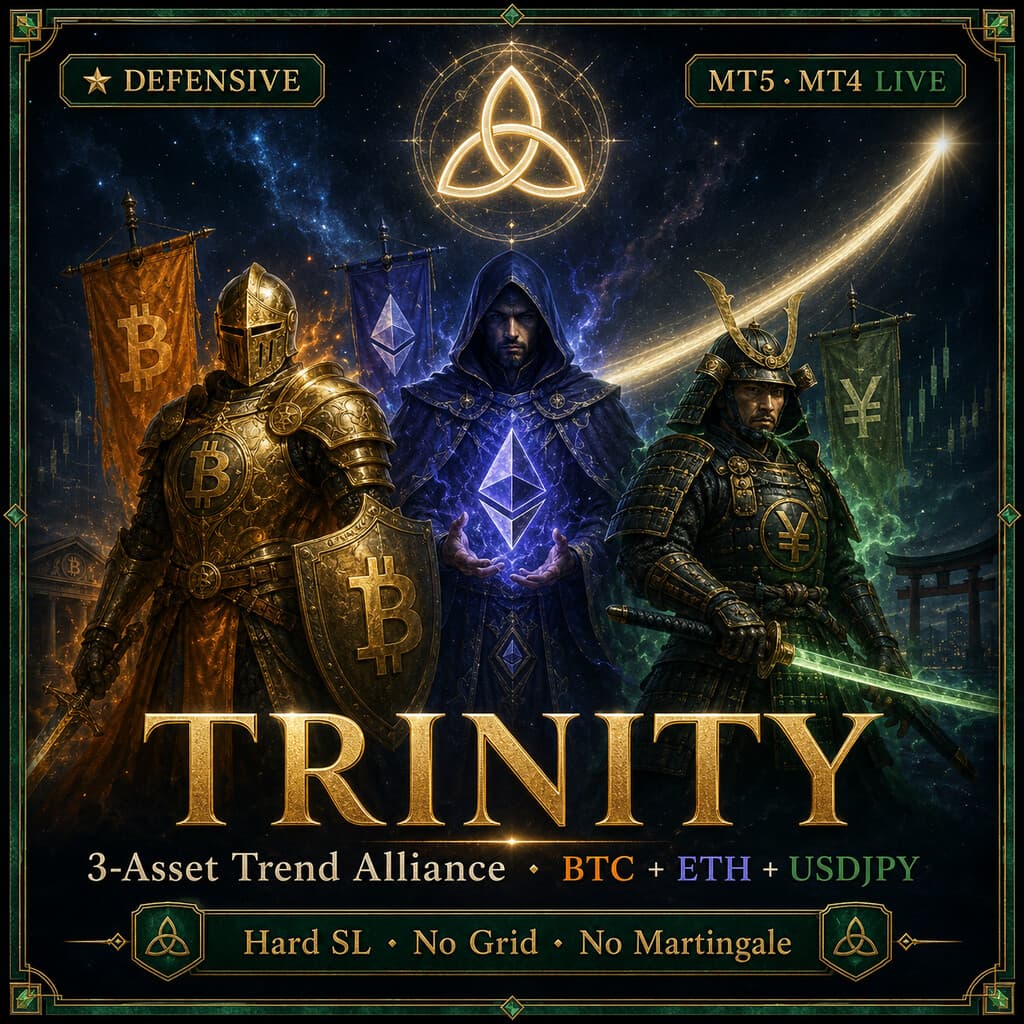
Trades the trends of three assets—BTC, ETH and USDJPY—with three engines inside a single EA. Every trade has a stop-loss—the opposite design to the grid/martingale EAs that dominate the rankings.
+1,021%
Return (7.5 yrs)
1.91
PF
23.3%
Max DD
420
Trades
✔ Stop-Loss ✔ No Grid ✔ No Martingale
★ It is a single EA — one installation trades BTC, ETH and USDJPY together internally; there is no need to set up three EAs. Single-account live backtest (2019.01–2026.06, 7.5 years, default Standard mode): +1,021% (PF 1.91 / max relative DD 23.3%).
Verification Status
How far verification has progressed, from backtest to forward testing
- BacktestDone
- Trades
- 420
- PF
- 1.91
- Max DD
- 23.30%
- Recommended minimum capital
- $1,000+ recommended
- OOSDone
- Data source
- MT5 official ticks
- Years verified
- 7.5
- ForwardNot started
Forward testing has not started for this EA. Judge it by the backtest / OOS figures above only.
See all forward tests → - LiveNot started
The three built-in engines (and the EAs they come from)
| EA | Pair/TF |
|---|---|
| BITCOIN COMET | BTCUSD H4 |
| ETHEREUM TREND | ETHUSD H4 |
| MEGAMAX USDJPY | USDJPY H1 |
The three assets move largely independently, so running them together in one account spreads out the drawdowns. See each source EA's page for that engine's standalone results.
📈MT5 Strategy Tester Report — TRINITY
📋 About this report
- Official report generated by the MT5 Strategy Tester (real-tick data)
- Multi-year real price data with the every-tick (real ticks) model
- Balance curve (blue) / Equity curve (green) shows floating losses too
- Past results do not guarantee future profits
Real-Tick Verification
We verify our EAs on real ticks — and publish what we find.
We real-tick tested 800+ market EAs: ~70% blew up, and most survivors were phantoms built after the test window. We publish the raw reports and their history quality — good numbers and bad.
Read the verification report →
Risk notes
Every trade has a stop-loss (for BTC/ETH the EA executes it, so the EA must run 24/7, e.g. on a VPS), and no grid or martingale is used. Still, temporary drawdowns occur in ranging markets or when trends fail (see the max DD above). Use only surplus funds, and for volatile crypto consider small sizes or a micro account.
Always-on chart panel
Once the EA is on the chart, a panel shows its status at a glance.
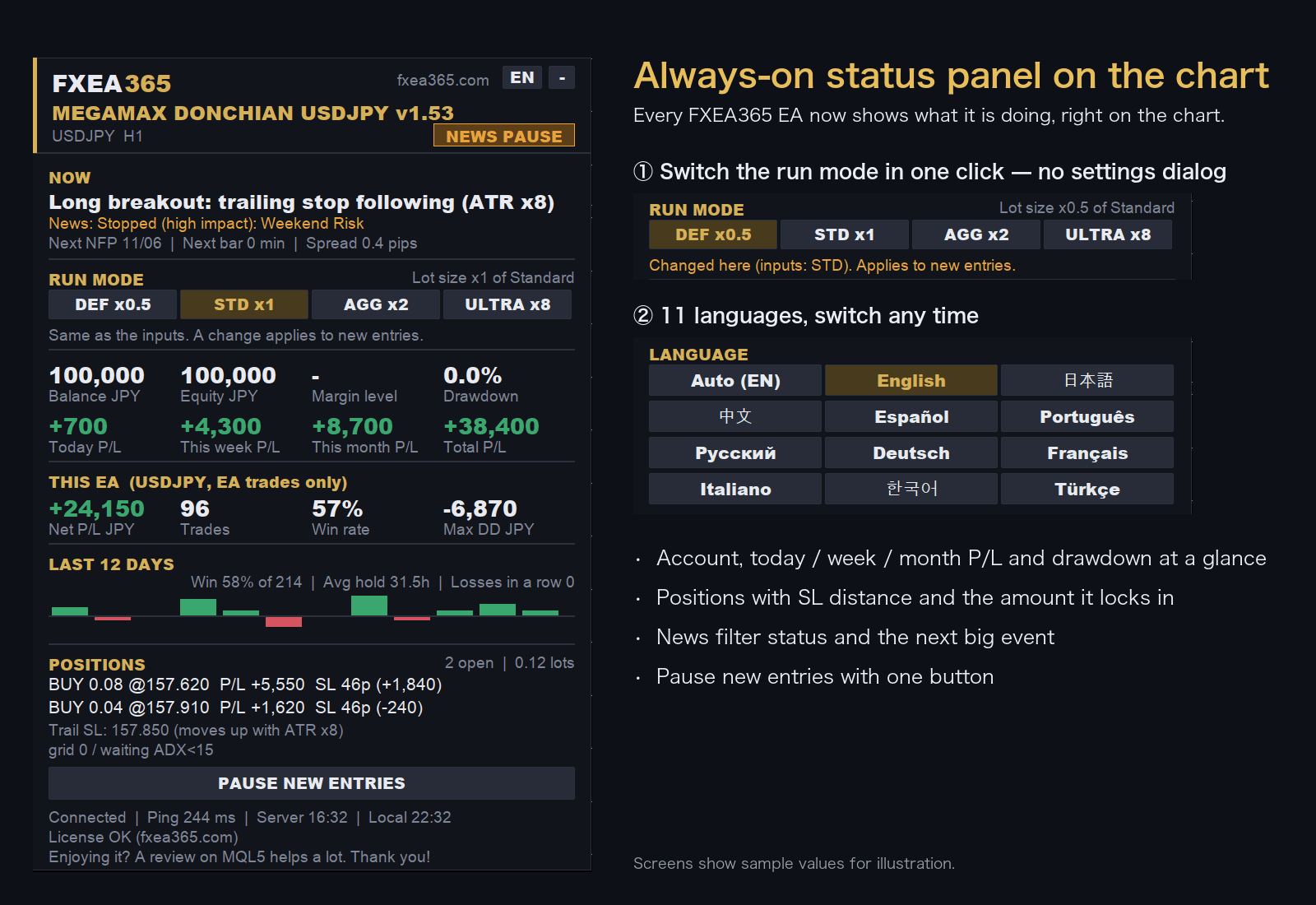
- Switch the run mode with a button on the chart (no need to reopen the settings)
- Choose the display language from 11 languages
- Live P/L, maximum drawdown and EA net profit
- Open positions with distance to SL
Screens show sample values for illustration.
EA Setup Guide
- Copy to the MQL5/Experts folderCopy the .ex5 file to the MQL5/Experts folder inside the MT5 data folder (File > Open Data Folder)
- Allow fxea365.com in MT5 WebRequest settingsIn MT5 open Tools → Options → Expert Advisors, tick "Allow WebRequest for listed URL", add https://fxea365.com and press OK. The EA checks your account licence there on start-up; without this it stops with "code=4014"
- Attach the EA to a chartOpen the chart for the target currency pair, drag the EA from the Navigator panel onto the chart, check "Allow Algo Trading," and click OK
- Turn on the Algo Trading buttonTurn on the "Algo Trading" button (green) in the MT5 toolbar. A smiley face (😊) in the top right of the chart means it is running
How to Set Up an EA in MT5 | From Installation to Operation →
Free download (register your account number)
STEP 1 Prepare your account
Using the EA requires an MT5 account opened through our referral link. If you already have an account, please create an additional account.
No account yet — open a new account via the links below
Adding an account — create an additional account in your member pageSee how →
Buy the paid version (MQL5 Market, no account registration)
Buy TRINITY
Buy on the official MetaQuotes Market (MQL5 Market). Payment, licensing and automatic updates are all handled inside the MT5 app.
Check the MQL5 product listing for current pricing, rental terms and availability.
Buy on MQL5 Market →Buy on the official MetaQuotes Market — install directly in MT5 with automatic updates. No account registration needed.
Compare the available free distribution first
The free distribution may have separate eligibility and registration requirements. Review those terms before choosing the MQL5 edition.
Review free-download requirements →Before you buy
- Check MT4/MT5 compatibility and the current price on the MQL5 product page.
- Free-distribution and MQL5 editions may have different license terms; verify before purchase.
- Backtest results do not guarantee live returns. Review maximum drawdown and the test period.
More on portfolio construction →
Frequently asked questions
- What is the difference between the free and paid versions?
- The free version works once you register the number of an Exness, XMTrading or HFM trading account opened through our referral link. The paid version is a one-time purchase on MQL5 Market and needs no account registration. For some EAs the version or default settings differ between the two (see the version shown on each page).
- What happens if I change accounts?
- The free version runs only on the account number you registered. To use it on another account, register again with that account number.
- Can I backtest it?
- Yes. The MT5/MT4 Strategy Tester does not check the account, so you can test on any account type.
- Can I use it on a demo account?
- No. The free version runs only on the registered live trading account. Use the Strategy Tester to check how it behaves.
- What if the EA does not trade?
- See "Common problems and fixes" in the setup guide. How to Set Up an EA in MT5 | From Installation to Operation →
Articles about this EA
Best MT5 EAs Compared (2026): Gold, Yen, Crypto
All fxea365 MT5 Expert Advisors in one table: XAUUSD, USDJPY, EURJPY, GBPJPY, BTCUSD and ETHUSD EAs ranked by PF, max drawdown and test period.
MagicNumber Design for Running Multiple EAs on One Account
If you run several EAs on the same account, duplicate MagicNumbers can't be ignored. This guide covers how EAs identify their trades, how to prevent interference, how to track partial closes, what happens when numbers collide, and a checklist to run before you configure anything.