
What is a forward test — and how to read it
Last updated: 2026-05-18 | Est. reading time: 10 min
To evaluate EA reliability, real-time verification in live markets (forward test) is essential alongside historical data verification (backtest). Only by combining both can you assess whether an EA has a strategy that works both in the past and going forward.
Table of Contents
Differences Between Backtest and Forward Test
| Item | Backtest (BT) | Forward Test (FT) |
|---|---|---|
| Data used | Historical price data | Real-time market prices |
| Spread | Fixed or model-estimated | Actual spread (variable) |
| Slippage | Mostly not considered | Actual execution slippage |
| Execution speed | Instant (10 years in minutes) | Real-time (actual time required) |
| Reliability | Risk of curve fitting | Reflects actual market conditions |
| Minimum required period | A few hours to 1 day | 3 months to 1+ year |
| Cost | Free (possible in demo environment) | Free (demo account) or real funds required |
Why Forward Testing Matters
1. Backtests are only optimized for the "past"
No matter how good the backtest results are, they only evaluate performance on past data. EAs that are overfitted (curve-fitted) may look excellent in backtests but fail to perform in live markets. Forward testing exposes this.
2. Measures real spreads and slippage
Broker spreads fluctuate with market conditions — they can become 5 to 10 times higher than normal during major economic announcements. Because backtests use fixed spreads, actual friction costs are invisible. Forward tests let you evaluate real execution quality.
3. Confirms broker compatibility
The same EA can produce different results depending on execution speed and slippage across brokers. For scalping EAs in particular, broker compatibility is a decisive factor in performance.
How to Read Forward Test Results
Our "Real-Time Results" page publishes the forward test results for each EA. The following explains how to read the key metrics.
Profit Factor (PF)
Total profit ÷ total loss. Above 1.0 means positive expected value. 1.3 or above is the benchmark for stability.
Maximum Drawdown (Max DD)
Maximum drop from peak to trough (%). If FT max DD is within 1.5× the BT max DD, it is within the normal range.
Win Rate
Alone, it means little. Always view alongside the risk/reward ratio. Even a 40% win rate is positive expected value at RR 1:2.
Number of Trades
At least 50–100 trades are needed for statistical reliability in a forward test. If the period is short, treat results as reference only.
BT Comparison (Deviation Rate)
If FT PF is within 70–130% of BT PF, you can determine that the EA is "performing as expected."
Pass/Fail Criteria for Forward Tests
| Result | Condition | Action |
|---|---|---|
| ✅ Good | FT PF ≥ 1.2, Max DD < 1.5× BT, 50+ trades | Continue running with live funds |
| ⚠️ Monitor | FT PF 1.0–1.2 or Max DD = 1.0–1.5× BT | Extend by 3 months and re-evaluate |
| ❌ Review | FT PF < 1.0 or Max DD > 1.5× BT | Return to demo and re-examine parameters |
| 🚨 Stop Recommended | Max DD > 2× BT or consecutive errors in FT | Stop operation and investigate cause |
How to Run a Forward Test
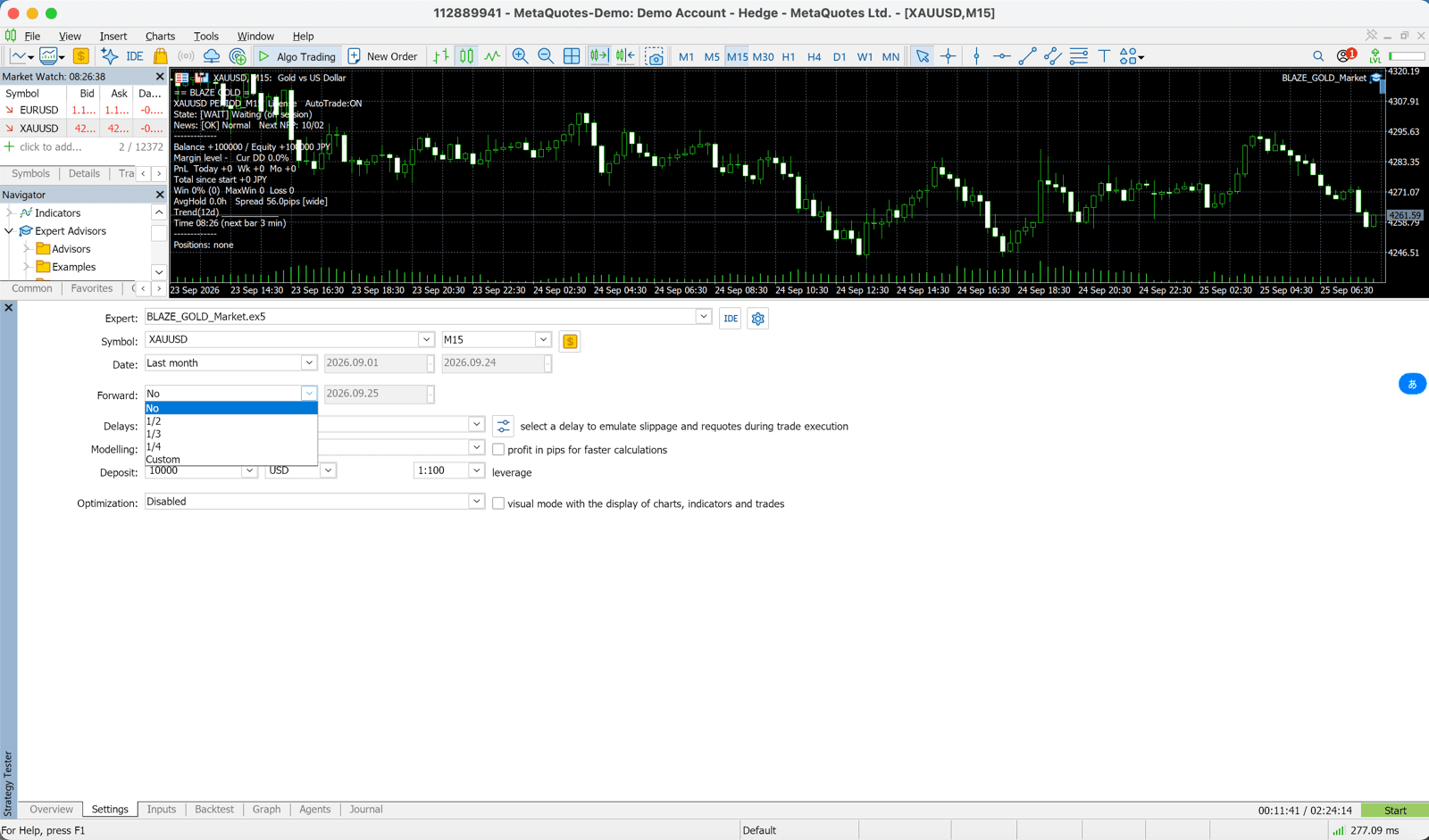
Run the EA on a demo account
Set up the EA on an Exness, XMTrading, or HFM demo account. Use the same parameter settings as production (RiskPercent, SL, MagicNumber). Note: our free EAs do not run on demo accounts. Check them in the Strategy Tester, then start on your registered live account with the minimum lot (versions bought on the MQL5 Market do run on demo accounts).
Wait for at least 3 months and 50+ trades
EAs with low trade frequency (H4, D1 timeframes) can take 3–6 months. Avoid rushing to conclusions — patience is paramount.
Record a monthly report
Export an HTML report from MT5's account history tab. Record PF, Max DD, and trade count on a monthly basis.
Compare and evaluate against the backtest
Check whether FT performance is within 70–130% of BT. If there is a large deviation, review the parameters or broker.
Decide on going live
If it passes the criteria, move to a live account. Start with the minimum lot size, then gradually increase as performance holds.
📊 Check Our Site's Forward Test Results
We publish continuously updated forward results for the distributed EAs that run on our test accounts. Compare them with the backtest figures on each EA page to assess an EA's stability.
View Real-Time Results →