
本站排名第2外匯經紀商
XM
XM Trading — 開戶指南與評測
更新日期:2026年5月20日
- ✓最高1000倍槓桿
- ✓開戶獎金最高13,000日圓
- ✓零斷頭(無追加保證金)
- ✓24小時客服支援
- ✓完全支援MT5,EA自動交易可用
- ✓最低$5起步
在XM開戶
入金獎勵100%(最高$500)+20%(最高$10,000),FXEA推薦經紀商
⚠ For Existing XM Account Holders (FXEA365 Referral Only)
※ This guide is only for users who opened their XM account through FXEA365's referral link. If you haven't registered yet or signed up through a different channel, please open a new account using the button above (partner code: 26388 is applied automatically). If you see a partner code field when creating an additional account, enter 26388. Accounts that cannot be verified as affiliated will not be able to use our EAs.
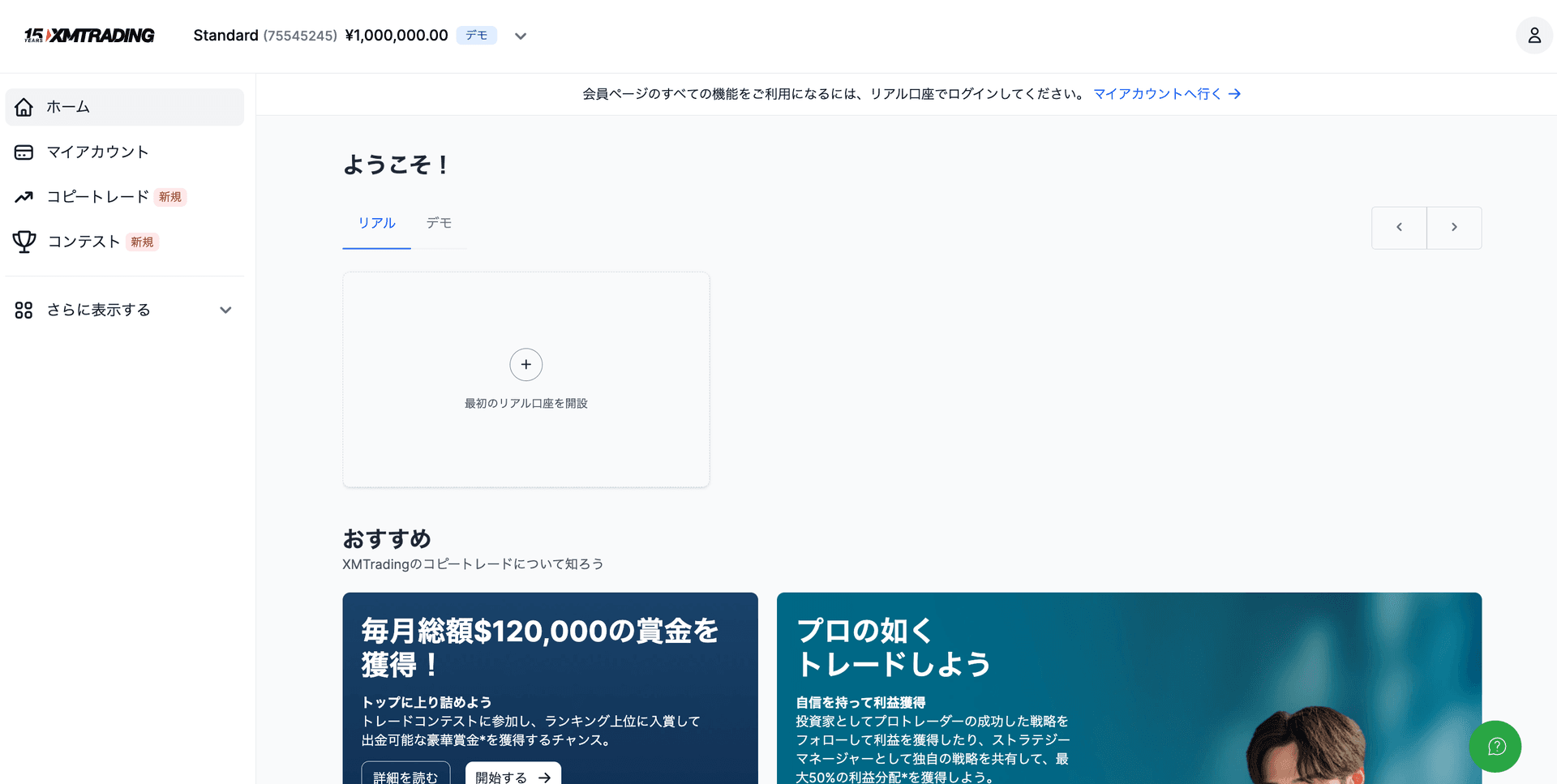
- 1登入XM會員中心 → 點擊"開設帳戶"
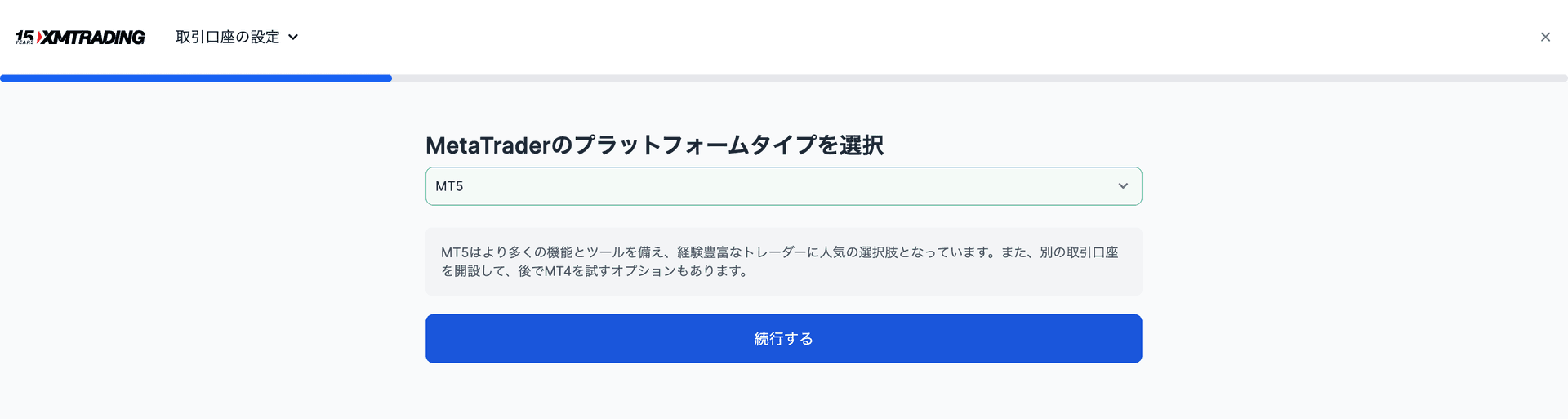
- 2"真實帳戶" → 選擇帳戶類型(Standard/Micro/Zero/KIWAMI極)
- 3選擇MT5作為平台 → 帳戶建立完成
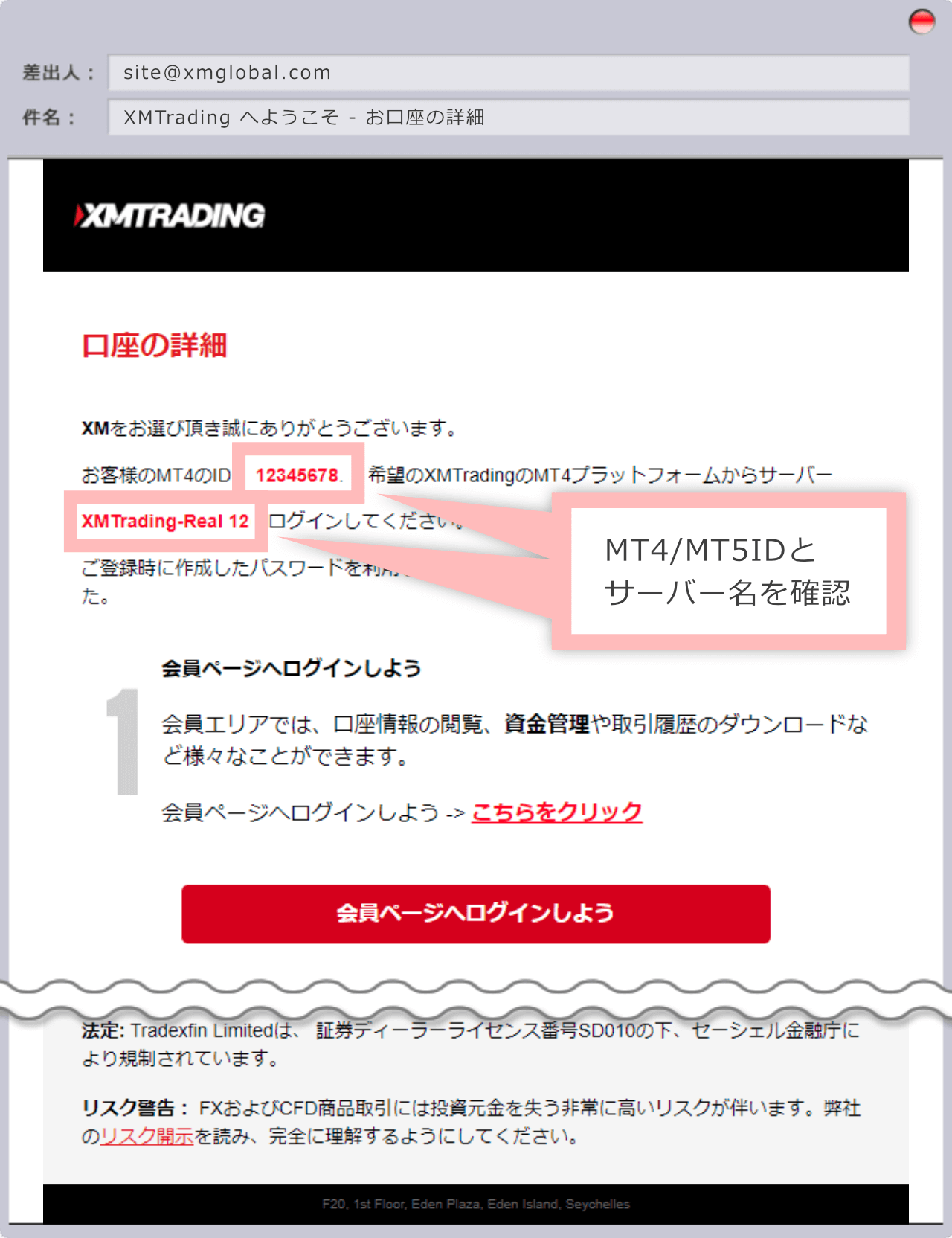
- 4Register the issued login ID (account number) on our registration page
Exness vs XM vs HFM 對比表
| 項目 | HFM | XM Trading | Exness |
|---|---|---|---|
| 最低入金 | $0(無最低入金) | $5 | $10 |
| 槓桿倍數 | 最高2000倍 | 最高1000倍 | 無限制 |
| 黃金(XAUUSD)點差 | 浮動(約16-30點) | 浮動(約30-50點) | 浮動(約10-20點) |
| 獎金 | 有(100%入金獎金等) | 有(開戶最高13,000日圓;入金100%最高$500+20%最高$10,000) | 無 |
| 出金 | 即時 - 24小時 | 2-5個工作日 | 即時 - 24小時 |
| 附加帳戶 | 支援 | 支援 | 支援 |
| MT5支援 | ◎ | ◎ | ◎ |
| EA / 自動交易 | ◎ 完全支援 | ◎ 完全支援 | ◎ 完全支援 |
| 客戶支援 | ◎(多語言支援) | ◎(24小時) | ○(工作時間內) |
| 適合人群 | 高槓桿、小額起步 | 新手、追求獎金的用戶 | 綜合實力強、低點差 |
See Other Brokers
※ 本頁面上的連結為聯盟連結。如果您透過這些連結開設帳戶,我們將獲得推薦佣金。這也是我們能夠免費提供EA的原因。用戶無需承擔任何額外費用。