
本站排名第2外汇经纪商
XM
XM Trading — 开户指南与评测
更新日期:2026年5月20日
- ✓最高1000倍杠杆
- ✓开户奖金(金额随活动变动)
- ✓零斩断(无追加保证金)
- ✓24小时客服支持
- ✓完全支持MT5,EA自动交易可用
- ✓最低$5起步
在XM开户
入金奖励100%(最高$500)+20%(最高$10,000),FXEA推荐经纪商
⚠ 适用于已有XM账户的用户(仅限通过FXEA365推荐链接开户)
※ 本指南仅适用于通过FXEA365推荐链接开设XM账户的用户。如果您尚未注册,或是通过其他渠道注册的,请使用上方按钮新开账户(合作伙伴代码:26388 会自动填入)。如果在创建附加账户时看到合作伙伴代码栏,请输入 26388。无法确认隶属关系的账户将无法使用我们的EA。
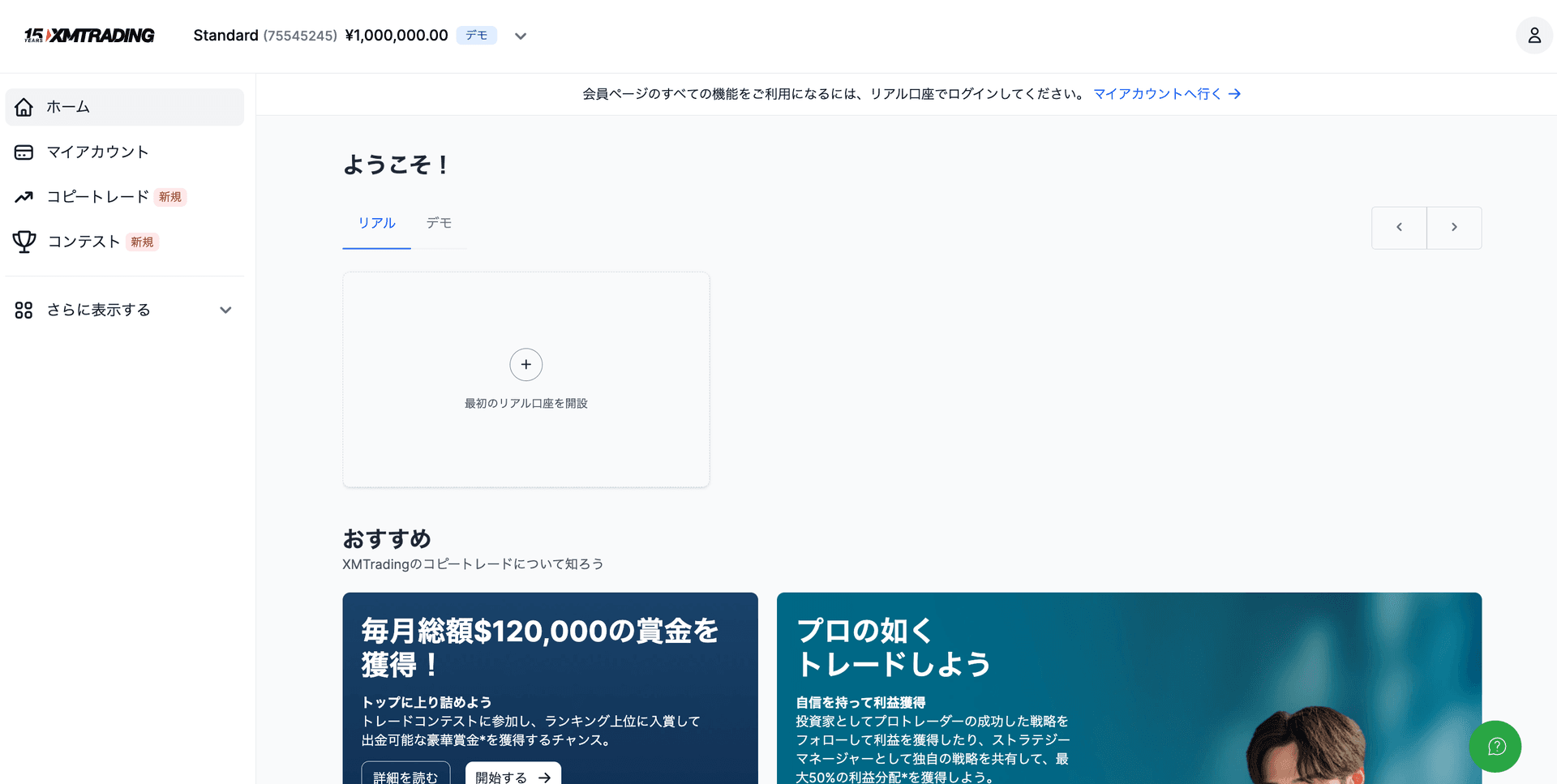
- 1登录XM会员中心 → 点击"开设账户"
- 2"真实账户" → 选择账户类型(Standard/Micro/Zero/KIWAMI极)
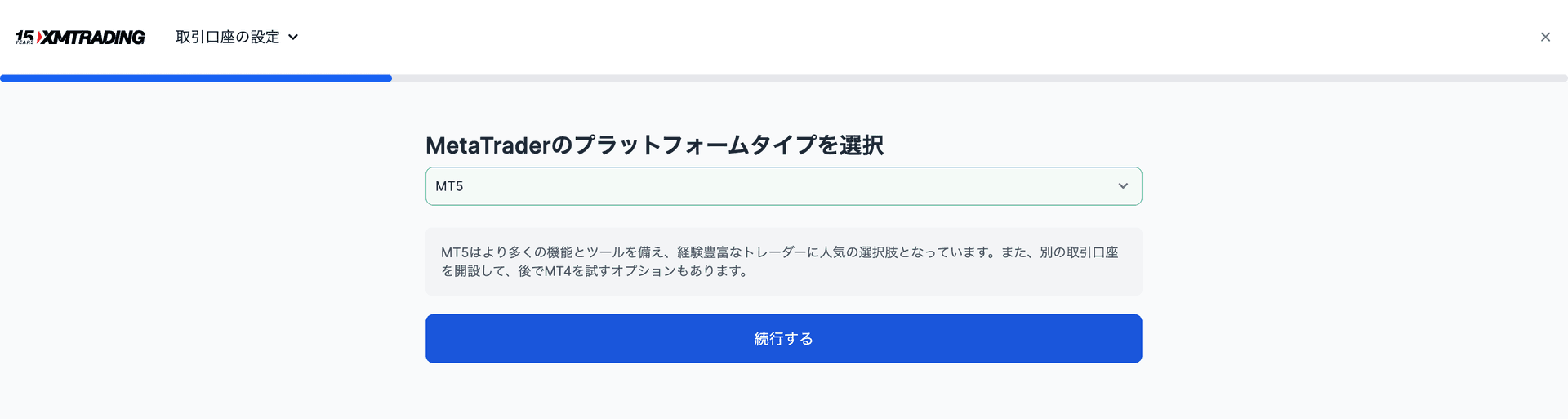
- 3选择MT5作为平台 → 账户创建完成
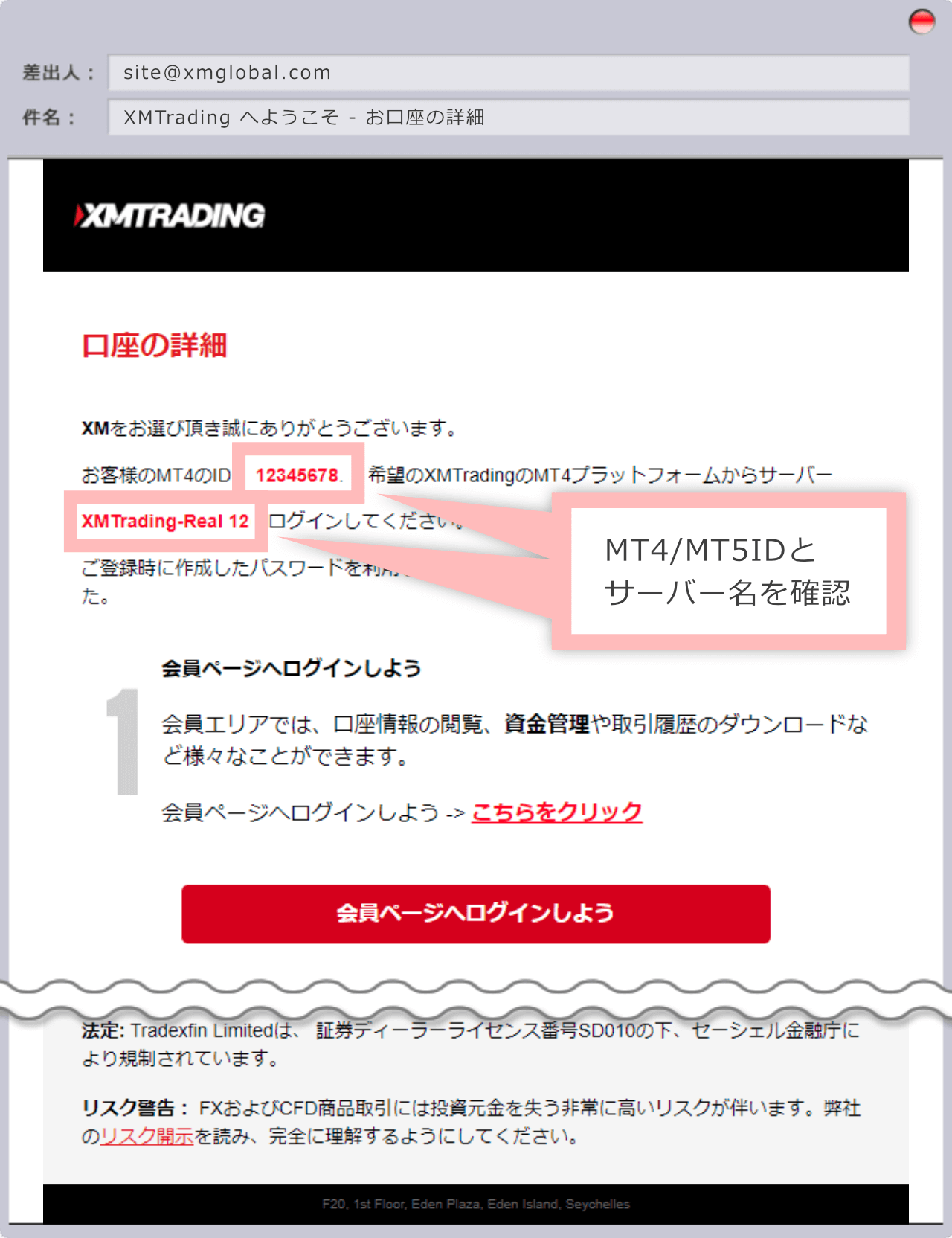
- 4在我们的注册页面注册已分配的登录ID(账号)
Exness vs XM vs HFM 对比表
| 项目 | HFM | XM Trading | Exness |
|---|---|---|---|
| 最低入金 | $0(无最低入金) | $5 | $10 |
| 杠杆倍数 | 最高2000倍 | 最高1000倍 | 无限制 |
| 黄金(XAUUSD)点差 | 浮动(约16-30点) | 浮动(约30-50点) | 浮动(约10-20点) |
| 奖金 | 有(100%入金奖金等) | 有(开户:金额随活动变动;入金100%最高$500+20%最高$10,000) | 无 |
| 出金 | 即时 - 24小时 | 2-5个工作日 | 即时 - 24小时 |
| 附加账户 | 支持 | 支持 | 支持 |
| MT5支持 | ◎ | ◎ | ◎ |
| EA / 自动交易 | ◎ 完全支持 | ◎ 完全支持 | ◎ 完全支持 |
| 客户支持 | ◎(多语言支持) | ◎(24小时) | ○(工作时间内) |
| 适合人群 | 高杠杆、小额起步 | 新手、追求奖金的用户 | 综合实力强、低点差 |
查看其他经纪商
※ 本页面上的链接为联盟链接。如果您通过这些链接开设账户,我们将获得推荐佣金。这也是我们能够免费提供EA的原因。用户无需承担任何额外费用。