
อันดับ #2 ของเว็บไซต์โบรกเกอร์ FX
XM
XM Trading — คู่มือเปิดบัญชีและรีวิว
อัปเดต: 20 พฤษภาคม 2026
- ✓Leverage up to 1000x
- ✓Account opening bonus up to ¥13,000
- ✓Zero-cut (no margin call)
- ✓24-hour support
- ✓Full MT5 support, EA auto trading OK
- ✓Start from as low as $5
เปิดบัญชีกับ XM
โบนัสฝากเงิน 100% สูงสุด $500 + 20% สูงสุด $10,000 โบรกเกอร์ที่แนะนำสำหรับ FXEA
⚠ For Existing XM Account Holders (FXEA365 Referral Only)
※ This guide is only for users who opened their XM account through FXEA365's referral link. If you haven't registered yet or signed up through a different channel, please open a new account using the button above (partner code: 26388 is applied automatically). If you see a partner code field when creating an additional account, enter 26388. Accounts that cannot be verified as affiliated will not be able to use our EAs.
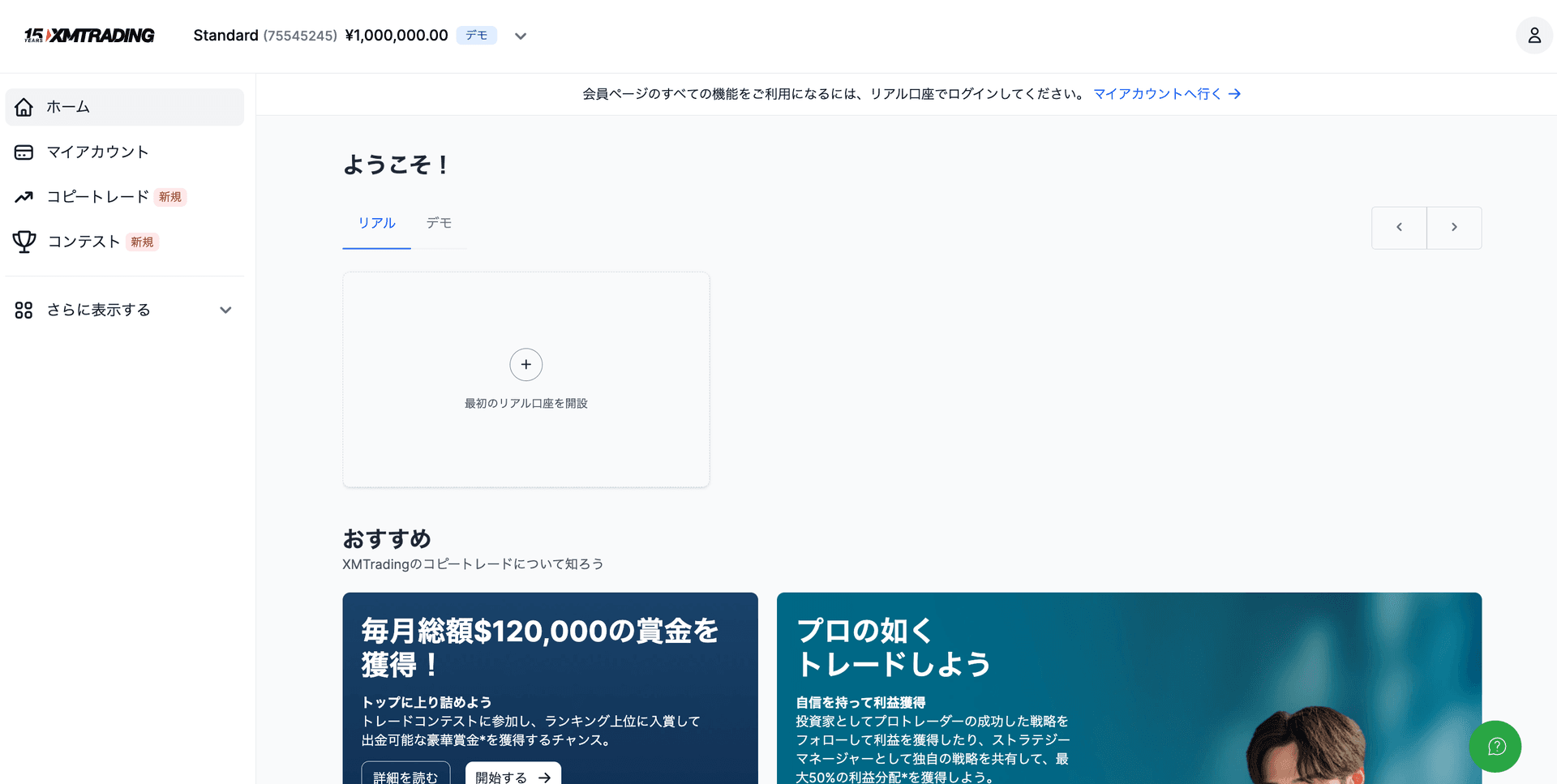
- 1Log in to XM personal area → Click 'Open Account'
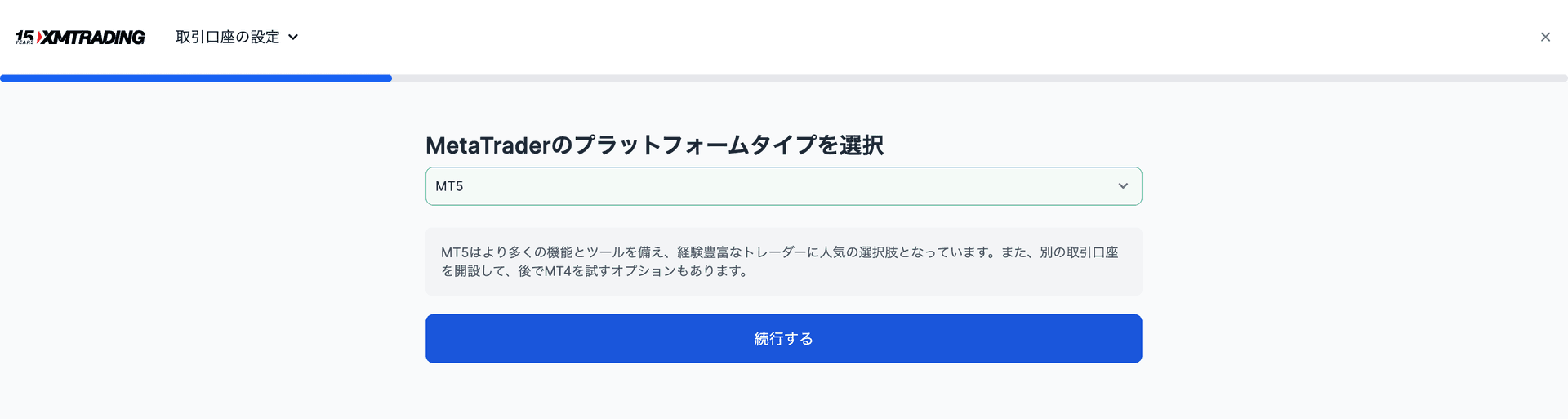
- 2'Real Account' → Select account type (Standard / Micro / Zero / KIWAMI)
- 3Select MT5 as the platform → Account created
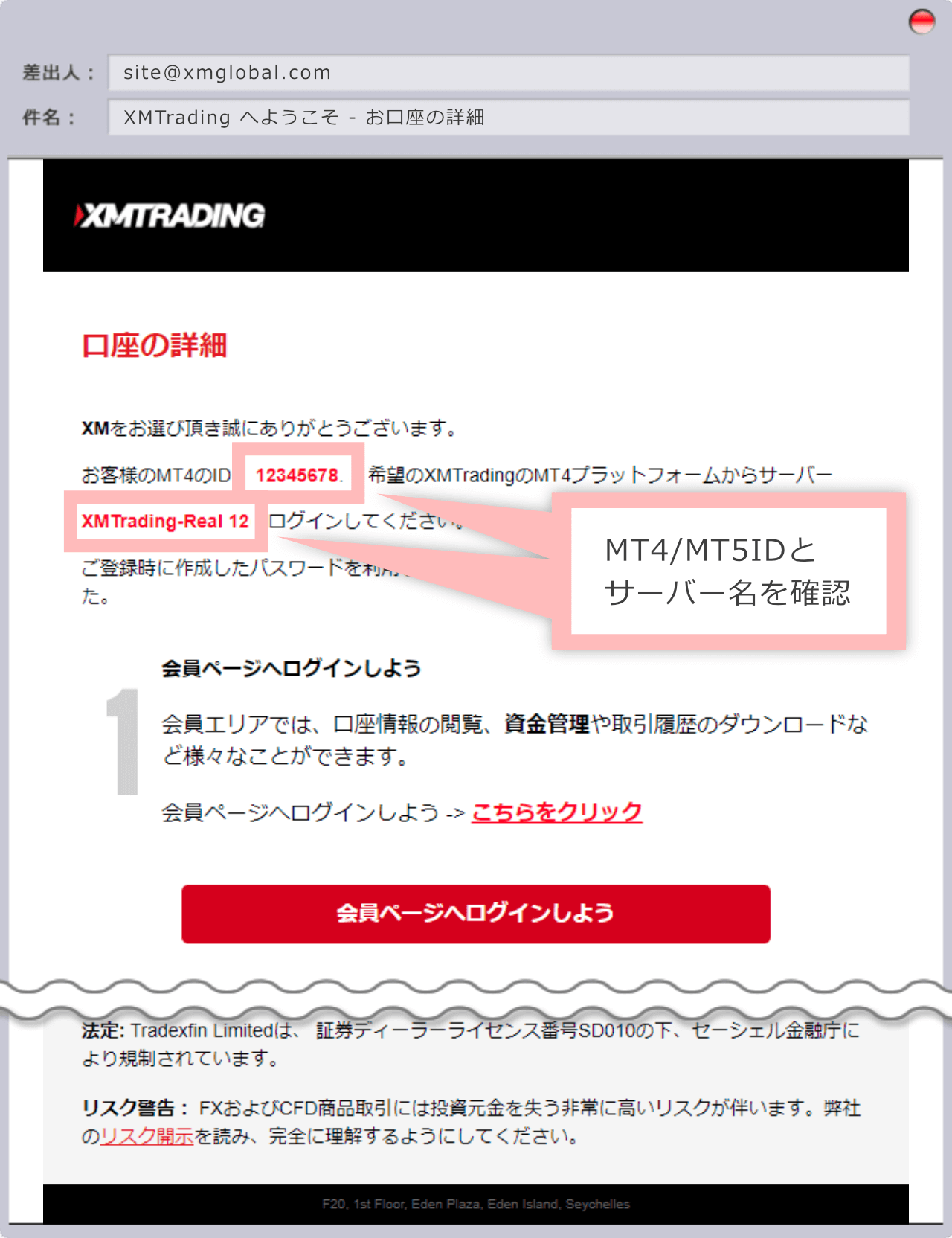
- 4Register the issued login ID (account number) on our registration page
ตารางเปรียบเทียบ Exness vs XM vs HFM
| Item | HFM | XM Trading | Exness |
|---|---|---|---|
| Min. Deposit | $0 (ไม่มีขั้นต่ำ) | $5 | $10 |
| Leverage | สูงสุด 2000x | Up to 1000x | Unlimited |
| GOLD (XAUUSD) Spread | ผันแปร (~16-30 pips) | Variable (~30-50 pips) | Variable (~10-20 pips) |
| Bonus | มี (โบนัสเงินฝาก 100% ฯลฯ) | Yes (account opening up to ¥13,000; deposit 100% up to $500 + 20% up to $10,000) | None |
| Withdrawal | ทันที - 24 ชั่วโมง | 2-5 business days | Instant - 24 hours |
| Sub Accounts | รองรับ | Available | Available |
| MT5 Support | ◎ | ◎ | ◎ |
| EA / Auto Trading | ◎ รองรับเต็มรูปแบบ | ◎ Fully supported | ◎ Fully supported |
| Support | ◎ (หลายภาษา) | ◎ (24 hours) | ○ (business hours) |
| Best For | เลเวอเรจสูง เริ่มต้นเงินน้อย | Beginners, bonus seekers | คุ้มค่ารอบด้าน สเปรดต่ำ |
See Other Brokers
※ Links on this page are affiliate links. If you open an account through them, we receive a referral commission. This is how we can offer EAs for free. No additional cost to users.
บทความบล็อกที่เกี่ยวข้อง